Builders Dimension logo

Mod • CurseForge

Builders Dimension

Adds an empty dimension that gives builders a clean space to create, test, and experiment without tearing apart their survival world.

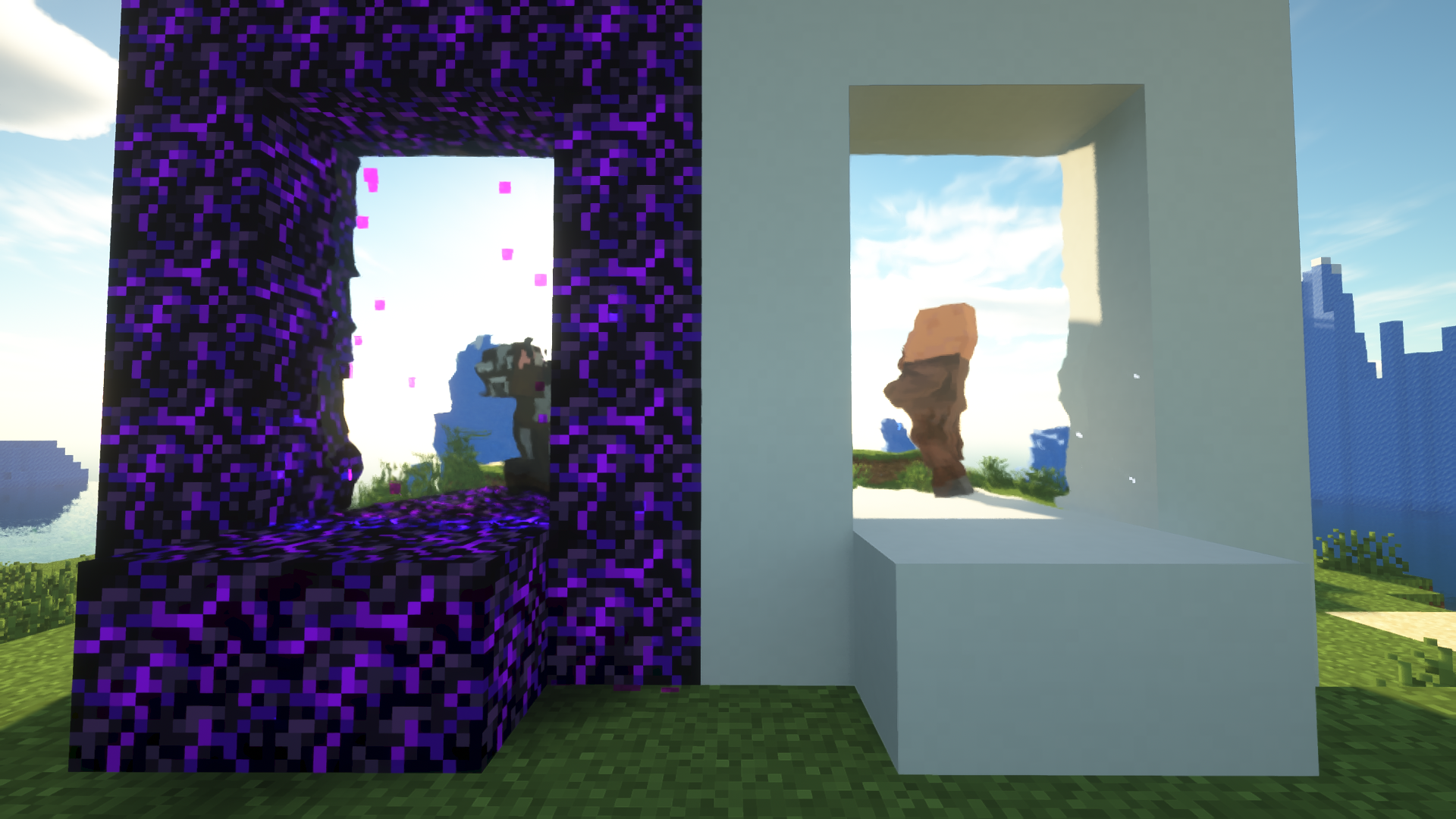
Builders Dimension screenshot

Overview

Builders Dimension adds a separate building-focused dimension, portal mechanics, and a set of tools/totems built around creative construction. It is useful for players who want a dedicated canvas for large projects, testing, or roleplay builds.

Highlights

  • Dedicated building dimension
  • Portal-based access
  • Forge support
  • Large creative-building focus

Current official project description

Checking CurseForge for the current creator-written description…

Who it is for

Players who want a dedicated construction space for experiments, large builds, screenshots, or roleplay without clearing a survival area.

Builders Dimension adds a separate building-focused dimension, portal mechanics, and a set of tools/totems built around creative construction. It is useful for players who want a dedicated canvas for large projects, testing, or roleplay builds.

World and instance safety

Because the project adds a dimension and related content, keep it installed for worlds that use those blocks or dimension data. Back up before removing or changing versions.

Open the official project page before downloading to confirm the latest supported versions, loader, dependencies, license, and update notes.

How this listing is handled

This page credits the creator and sends downloads to the official source. FreeMinecraftMods does not mirror the project file. Metadata can change, so the official page remains the final source for installation details.

Review method | Report incorrect information

Use a separate test copy first

Dimension mods create data that remains meaningful to a world even when the player is not currently inside that dimension. Before using Builders Dimension for an important project, copy the world and confirm portal creation, return travel, chunk saving, and access after a restart. Keep the exact mod version with the instance so the building space is not accidentally opened without its required content.

For multiplayer, decide who may create portals and whether the dimension is intended for shared construction, private experiments, or screenshots. Backups should include the full world folder and dimension data. Do not remove the mod from a production world merely because the main Overworld appears unaffected.

Install check

Before adding Builders Dimension to a profile or world

Confirm the file fits

  • Open the official source page and use the latest file that matches your Minecraft version.
  • Check the loader or platform, dependencies, client/server side, license, and update notes before downloading.
  • Keep the original project page bookmarked so you can revisit changelogs and support notes later.

Test without risking saves

Create a separate profile or copied server first, then launch once with logs visible. If the project changes world data, recipes, dimensions, loot, blocks, visuals, or player inventory, back up the save before using it long term.

FreeMinecraftMods does not mirror the project file. The download action should take you to the creator's official page, where the current compatibility details and support instructions live.

When something breaks, remove the newest project first and compare the latest log before and after the change. Note the exact file name, loader version, and any dependency warnings so troubleshooting stays tied to evidence instead of guesses across a whole mod folder.

For resource packs, test pack order and screenshots. For mods, plugins, and datapacks, test first launch plus a short gameplay loop. The official source page should stay the reference for anything cached metadata on this site cannot confirm.